Activate
Use company activation codes to connect authorized phones. See used seats, available seats, and active codes.
A company deployment brings Android devices, Work Orders, storage, and office users into a managed workflow.
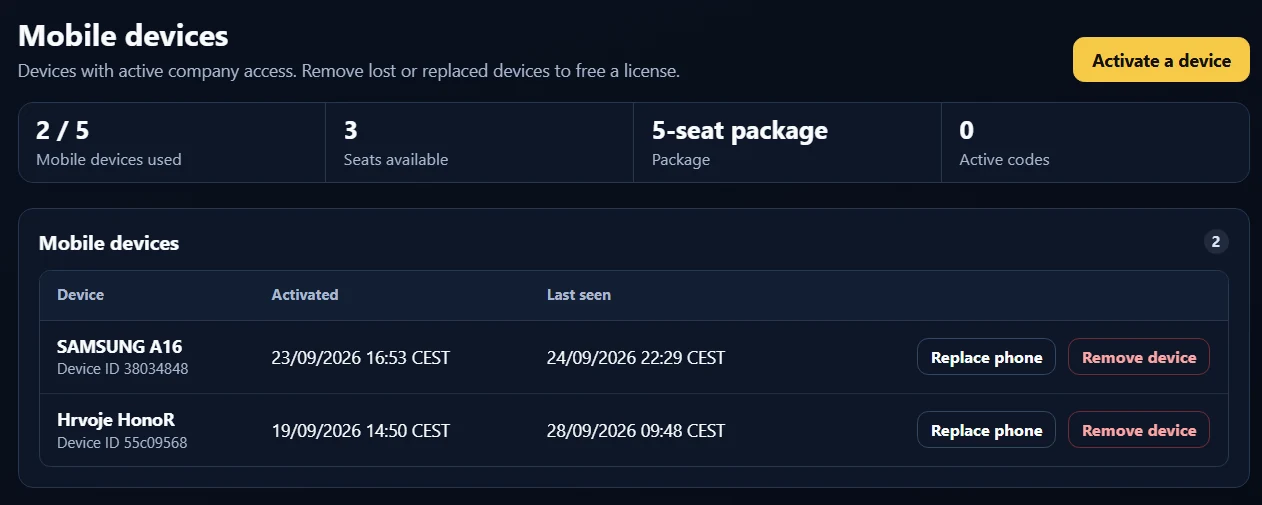
Use company activation codes to connect authorized phones. See used seats, available seats, and active codes.
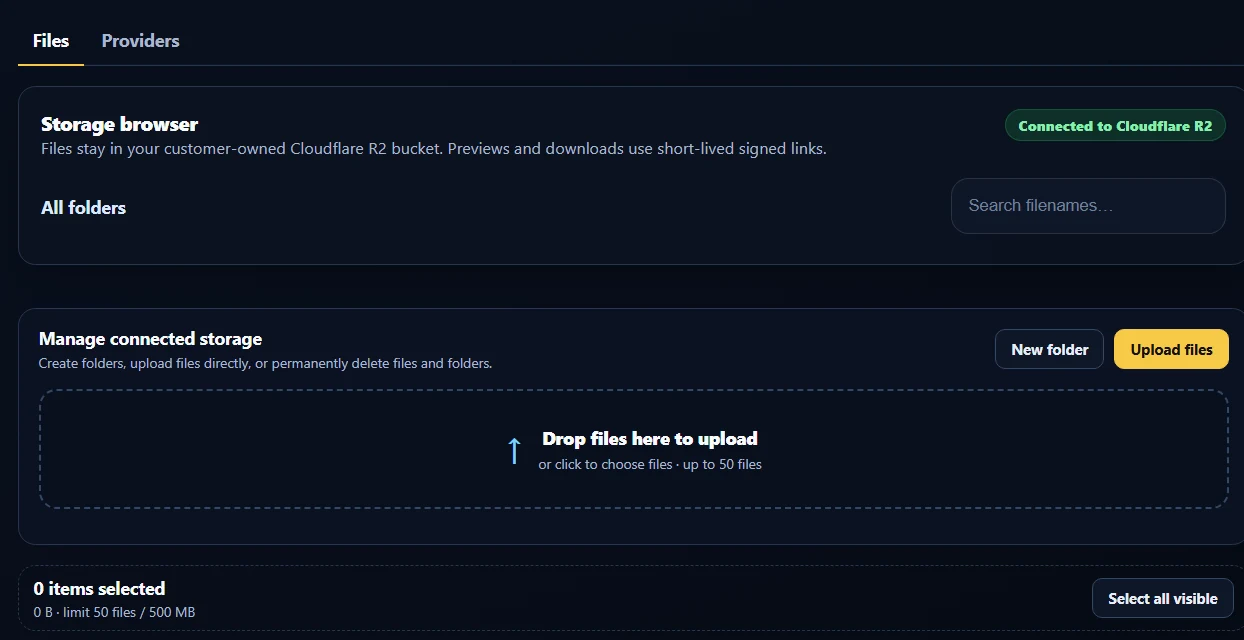
Apply company policy, assign Work Orders, and connect phones to the selected company storage workflow.
Use portal controls when phones are replaced, lost, or no longer part of the deployment. Keep seat allocation current.
Bring dispatchers, administrators, and office users into the same company workflow. Create and dispatch Work Orders with push notifications, reference pictures, and instructions. Receive upload emails and daily or weekly KPI reports alongside device management and company-controlled storage.
Tell us your phone count, storage destination, and onboarding needs. Company pricing and trial arrangements are confirmed directly.