Date and time on the photo.
Stamp captured photos with the date and time. Include GPS coordinates and a geocoded address according to your capture settings and company policy.
Capture photos and video on Android with front or rear cameras. Photo stamps add the date, time, GPS coordinates, and a geocoded address—with manual address correction during capture. Request app-access instructions from our team.
Date, time, coordinates, and an address give a photo the context a reviewer needs.
Stamp captured photos with the date and time. Include GPS coordinates and a geocoded address according to your capture settings and company policy.
Geocoding turns the capture location into an address. If the lookup fails or shows the wrong address, edit the address manually while taking the picture.
Capture still photos or record video using either the front or rear camera. Choose the format that best documents the work.
Start a persistent Work Order session, capture before-and-after evidence, add work details, and upload to your configured destination.
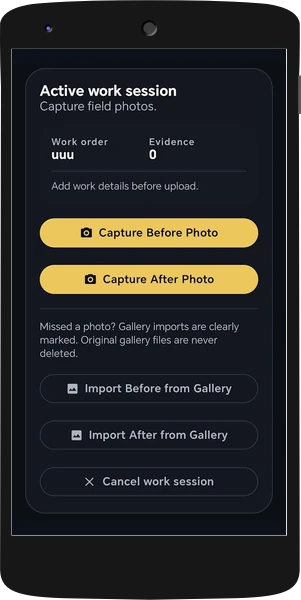
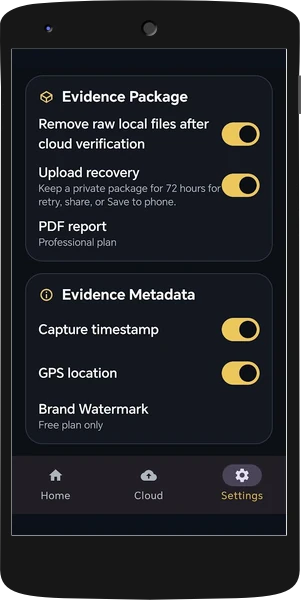
Take the before photos, completely close the app, and return after the work. Reopen the same persistent Work Order session, capture the after photos, add your notes, and upload the complete package.
If the connection drops, uploading resumes when the phone comes back online. Interrupted connectivity does not mean starting the evidence workflow again.
Photos stay within the Field Bundle workflow, not in the technician’s personal gallery. If an upload fails, share the evidence package as a ZIP through Android’s native share menu.